
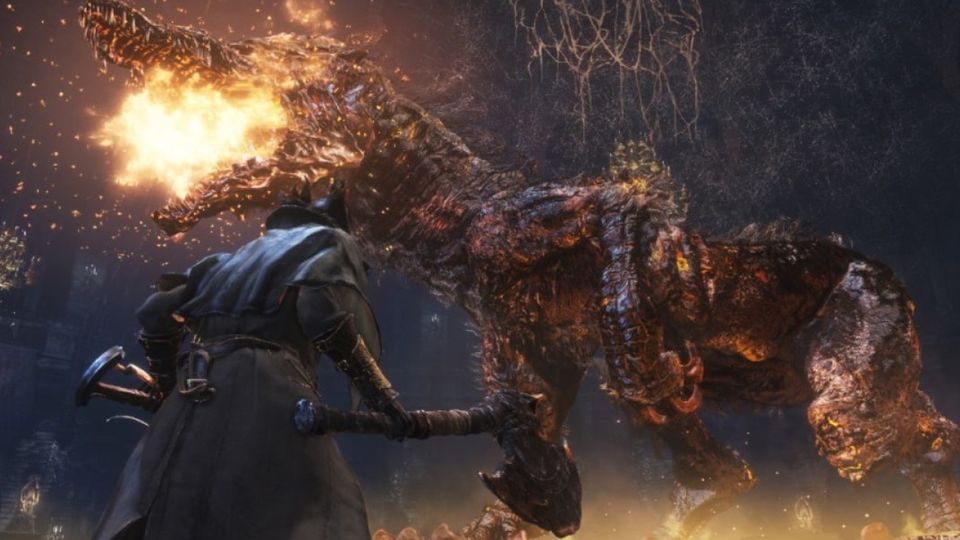
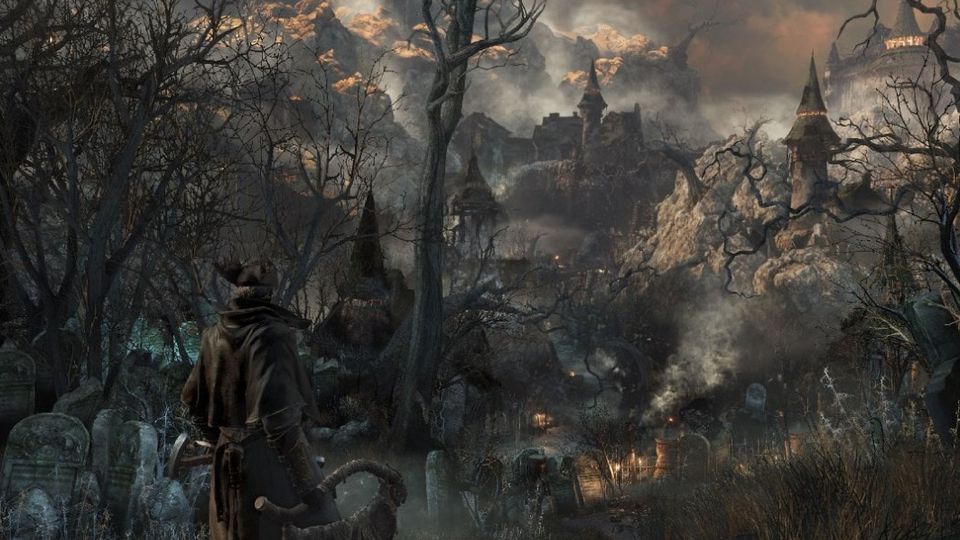
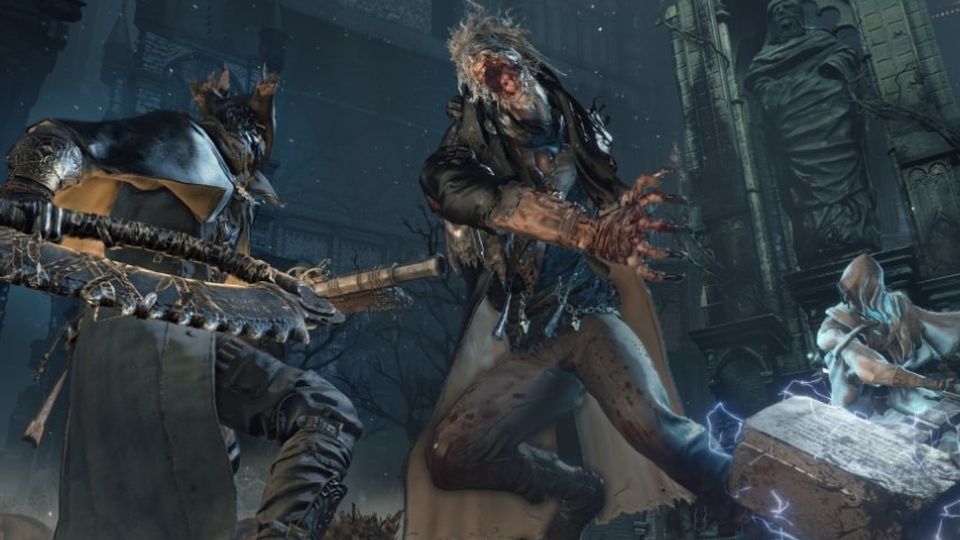
Bloodborne is FromSoftware's 2015 PS4 exclusive — the one where Yharnam's plague, its hunters and its blood-soaked moonlit streets never came to PC. Eleven years on, it still hasn't: there is no official PC build, and nothing on this page pretends otherwise. What did arrive, in the last few weeks of 2026, is something almost as unlikely — four separate community projects that run the actual PS4 game on a normal Windows or Linux machine, one of them with working co-op, and all of them fast enough to be worth playing rather than merely interesting.
This site covers exactly that: how to get Bloodborne running on your PC, which of the four routes to pick for your hardware, what to do when it breaks, and how to play with other hunters. Every version number, step and caveat here is taken from the projects' own repositories and release notes, checked on 18 October 2026.
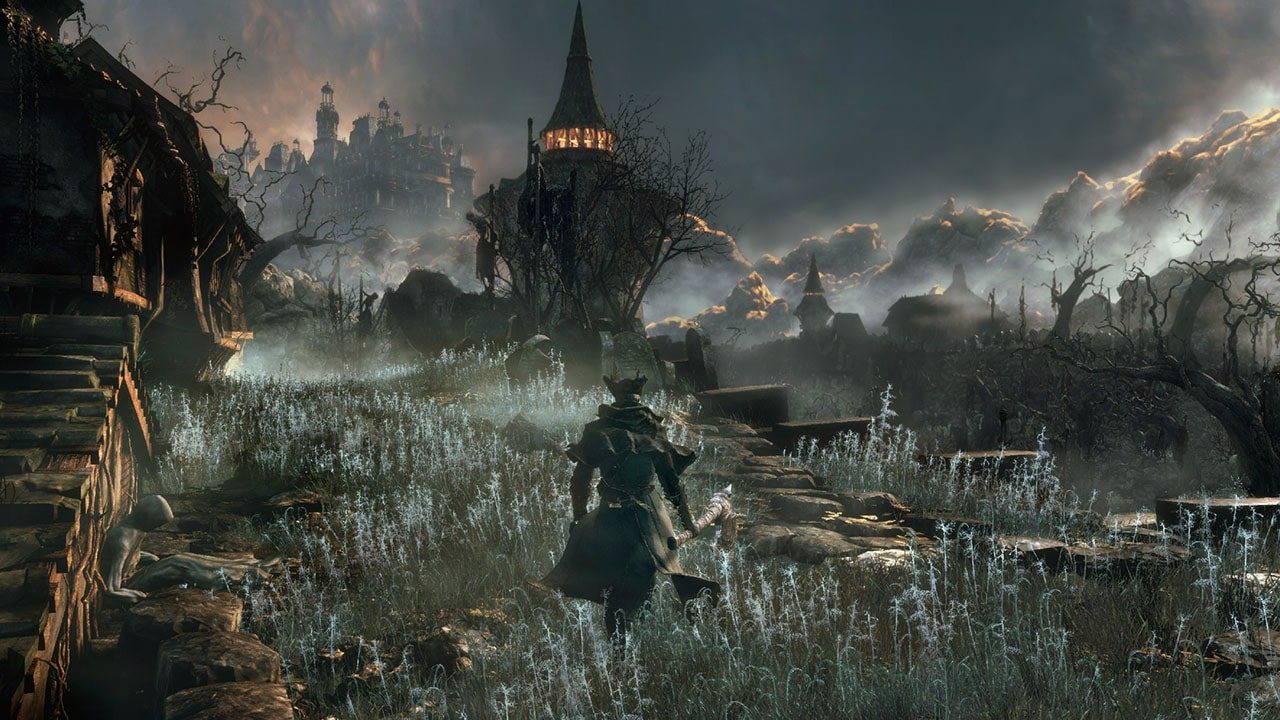
Official Bloodborne screenshot, PlayStation. The world opened up in 2026 — here is how you get into it.
The two families of PC route
There are really only two ways this works, and the difference matters more than the names.
An emulator — shadPS4 — behaves like a console. It emulates a PS4, loads a dumped game folder, and boots it. You configure it, you install firmware modules and a trophy key, and you can run other PS4 games with the same install. It is the most familiar route and the one with the largest community behind it.
A native port runs the game's own x86-64 executable directly on your CPU, replacing the PS4's system libraries with a purpose-written runtime and translating the graphics to Vulkan. Nothing is emulated at the CPU level, so the game runs at native speed: this is how the ports reach the frame rates they do. Three of them matter today — bbport for Linux, its Windows sibling, and bbhost, which runs on both and is the one with the deepest reimplementation work.
Before you start
- You need your own copy of Bloodborne. Every project here ships the runtime only. Two of
them tell you outright that they support only builds made from your own game.
- You need it dumped, at version 1.09. The ports read the 1.09
eboot.binspecifically —
bbhost checks it against a known hash. A dump without the update carries the 1.00 executable, which bbport's own documentation says crashes at start.
- A Vulkan 1.3 GPU is the hard floor. Every route needs one; there is no DirectX fallback.
- A jailbroken PS4 and a dumper is the ordinary way to make that dump (Itemzflow or an FTP
dumper are the usual tools). If you already have a decrypted dump, you are past the slowest step.
- Expect a first-run shader build. The ports compile the game's shaders on first sight; the
title screen can sit for a while before play starts for real.
- Keep the routes apart. A dump made for shadPS4 works with the ports, and vice versa — but
saves, settings and shader caches do not travel between them.
Quick answers
Is there an official PC version? No. Bloodborne remains a PS4 title, playable on PS5 through backwards compatibility. Everything on this site is unofficial.
Can I play online on PC? Yes, but only with other PC players, through a private server. The Hunter's Dream handles co-op, invasions, messages, bloodstains and summon signs for the bbhost and bbport routes; shadPS4 has its own shadNet service. PS4 cross-play is not part of any of it.
Is it legal? Running a game you own through a fan-made loader is a different thing from downloading a game you don't. Start with the legal questions rather than with a search for game files.
Which route should I pick? If you're on Windows and want the shortest path to playing, the Windows port. If you want the most complete reimplementation and online play, bbhost. If you're on Linux, bbport. If you'd rather have an emulator you can use for other games too, shadPS4. The route comparison lays all four out side by side.
Read in this order
- How to play Bloodborne on PC — what each route actually is.
- What your PC needs — the hardware floor for each one.
- Set it up: shadPS4, the native ports, or
- Performance settings — resolution, upscaling, frame caps, memory.
- Troubleshooting — symptom, cause, fix.
- Mods and playing with other hunters once it runs.